
Do you dread releasing updates to production? For many engineering teams, deployment day is accompanied by stress. What if an unexpected database migration error occurs? What if a broken dependency takes down your entire API?
In the past, teams scheduled maintenance windows at 2:00 AM, putting up ‘Under Maintenance’ screens. In modern global business, your users are active across every time zone, making planned downtime unacceptable.
Executive Summary
- Deployment Anxiety: Taking production servers offline for maintenance or risking broken releases damages user trust and revenue.
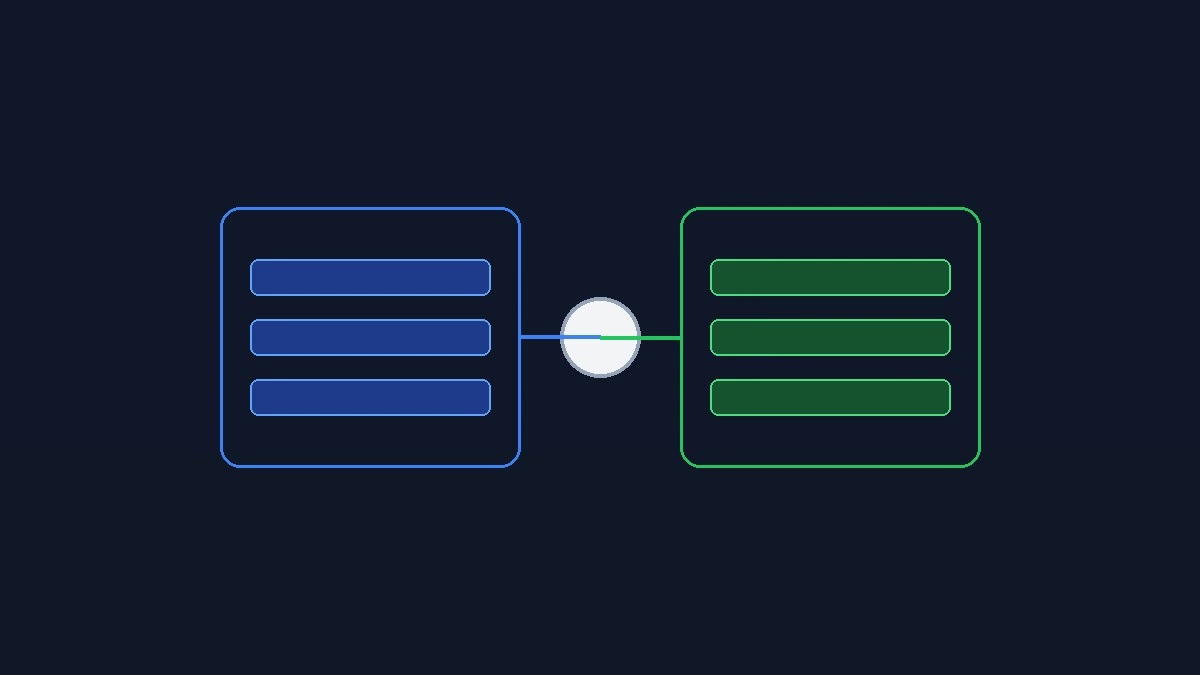
- The Blue-Green Concept: Maintain two identical production clusters; test updates on the idle green cluster, then switch traffic instantly.
- Method 1 (Kubernetes Service): Switch traffic by updating the service selector label to point from blue pods to green pods in one kubectl command.
- Method 2 (Nginx Ingress Routing): Use weighted ingress annotations to gradually canary-test traffic before completing the final cutover.
Table of Contents
- Executive Summary
- Deployment Strategies: Recreate vs Rolling vs Blue-Green
- Why Modern Teams Demand Zero-Downtime Deployments
- Method 1: Blue-Green Routing via Kubernetes Service Selectors (Recommended)
- Method 2: Canary Traffic Shifting with Nginx Ingress
- Handling Database Migrations Without Breaking Older Pods
- Frequently Asked Questions
- Related Guides & Next Steps
- Primary Sources & References
Deployment Strategies: Recreate vs Rolling vs Blue-Green
| Strategy | Downtime Required | Rollback Speed | Resource Cost | Production Risk |
|---|---|---|---|---|
| Recreate | Yes (several minutes) | Slow (re-deploy old version) | Low (1x cluster capacity) | High (service is offline during release). |
| Rolling Update | No downtime | Moderate (rolling pod restarts) | Moderate (1.25x capacity) | Moderate (mixed versions running concurrently). |
| Blue-Green Deployment | Zero downtime | Instant (< 1 second switch) | Higher (2x during release) | Lowest (full testing before cutover). |
Why Modern Teams Demand Zero-Downtime Deployments
Do you dread releasing updates to production? For many engineering teams, deployment day is accompanied by stress. What if an unexpected database migration error occurs? What if a broken dependency takes down your entire API?
In the past, teams scheduled maintenance windows at 2:00 AM, putting up ‘Under Maintenance’ screens. In modern global business, your users are active across every time zone, making planned downtime unacceptable.
Blue-green deployments eliminate deployment downtime completely. By deploying your new release to an isolated idle environment, you can test everything thoroughly before routing real user traffic.
Method 1: Blue-Green Routing via Kubernetes Service Selectors (Recommended)
The cleanest way to implement blue-green deployments in Kubernetes is by updating a single Service label selector.
Step 1: Deploy your existing application as `deployment-blue` with the label `version: blue`. Your production Kubernetes Service points to `version: blue`.
Step 2: When your team prepares a new release, deploy `deployment-green` alongside blue with the label `version: green`. Run smoke tests against green using an internal test ingress.
Step 3: Once verified, update the production Service selector to `version: green` using `kubectl apply`. The Kubernetes endpoints controller immediately routes new TCP connections to the green pods with zero dropped requests.
Method 2: Canary Traffic Shifting with Nginx Ingress
If you prefer to test your new release with a small percentage of live users before switching completely, you can use Nginx Ingress annotations.
Step 1: Create a secondary ingress resource configured with the annotation `nginx.ingress.kubernetes.io/canary: ‘true’`.
Step 2: Add `nginx.ingress.kubernetes.io/canary-weight: ’10’`. This directs 10% of real user traffic to your green deployment while 90% remains on blue.
Step 3: Monitor error rates and latency in your logging dashboard. If metrics remain healthy, ramp the canary weight to 50% and finally 100%, completing the migration smoothly.
Handling Database Migrations Without Breaking Older Pods
The biggest hurdle in blue-green deployments is managing relational database schema changes. If the green deployment requires a new column or table structure, you cannot simply drop old columns while the blue deployment is still running.
Follow the ‘Expand and Contract’ database migration pattern. First, expand your schema by adding new nullable columns or tables that both blue and green code can tolerate.
Second, switch your application traffic to the green deployment. Finally, after the old blue deployment is retired, run a second migration to contract and remove obsolete database columns safely.
Frequently Asked Questions
What happens if a bug is discovered immediately after switching to green?
Rolling back is instant. Simply update your Kubernetes Service selector back to ‘version: blue’ with a single command, restoring original traffic in less than a second.
Do blue-green deployments require doubling cloud server costs permanently?
No. You only maintain double capacity during the active deployment window. Once the green environment is verified, you can scale the old blue deployment down to zero replicas.
Can blue-green deployments be used with stateful databases?
Blue-green deployments are designed for stateless application pods. Both blue and green environments share the same persistent database, managed via backward-compatible migrations.
Related Guides & Next Steps
We hope this guide helped you scale your infrastructure with confidence. Explore related tutorials from our cloud architecture cluster:
- Scaling High-Traffic Web Apps: Architecture Blueprint
- Fix PostgreSQL ‘Too Many Connections’ Errors with PgBouncer
- Implement API Rate Limiting with Redis & Token Buckets
Primary Sources & References
Written by the TeckScaler Cloud & Systems Engineering Team. We design and build ultra-reliable cloud architectures, custom web platforms, and automated deployment pipelines for growing teams.