

Privacy-Conscious Linux Clipboard Manager Built for Wayland and X11
ClipVault captures your clipboard history with zero memory leaks, instantaneous substring search, and automatic password filtering for KeePassXC, Bitwarden, 1Password, and KWallet. Keep your workflow fluid without compromising your master credentials.
sudo snap install clipvault-teckscaler --candidate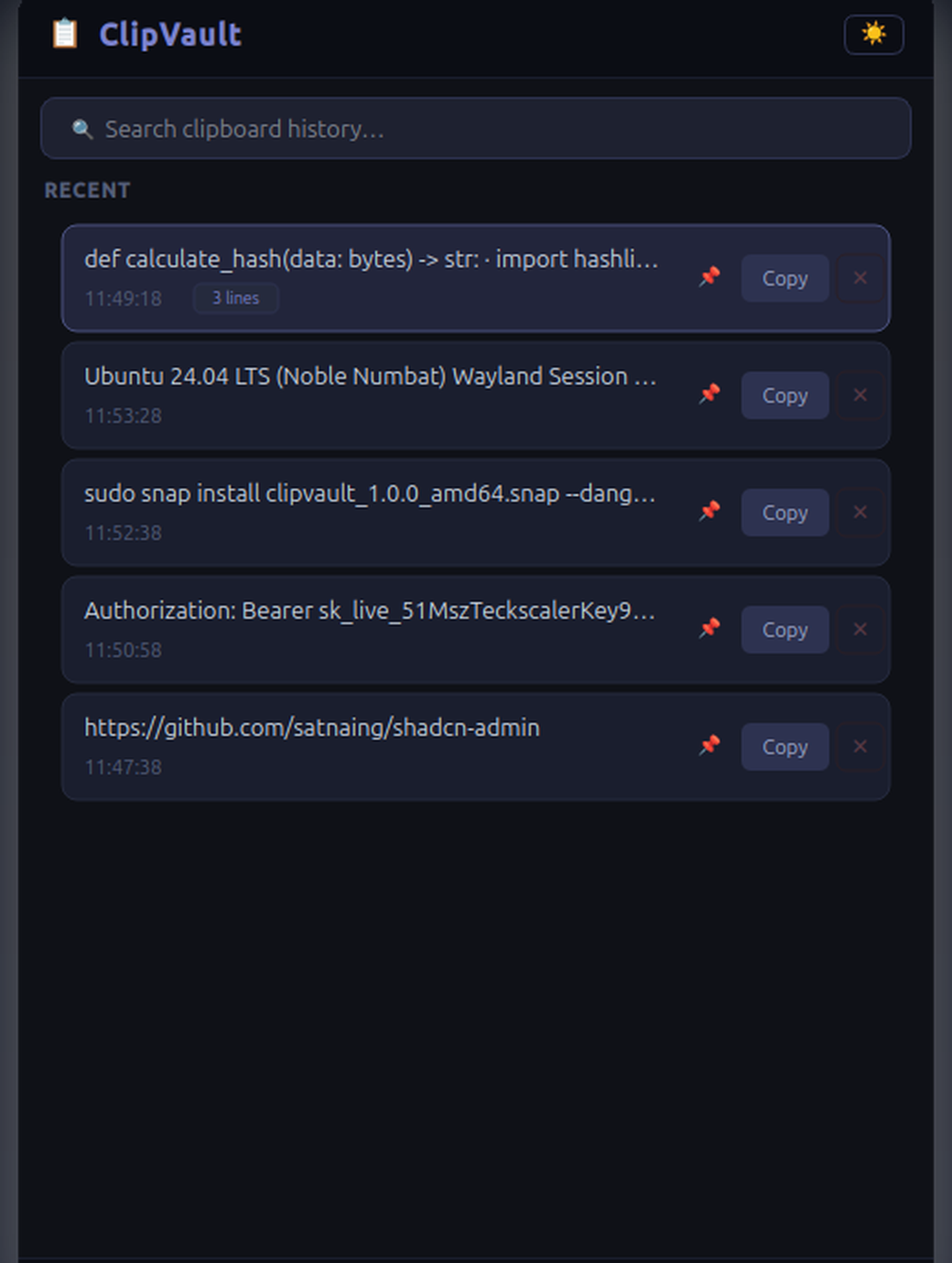
Why Developers and Linux Users Switch to ClipVault
Traditional clipboard tools either leak sensitive passwords into plain text history, leak memory over time, or suffer from GNOME dock flickering under Wayland. ClipVault solves all three by design.
Hardware-Level Password Protection
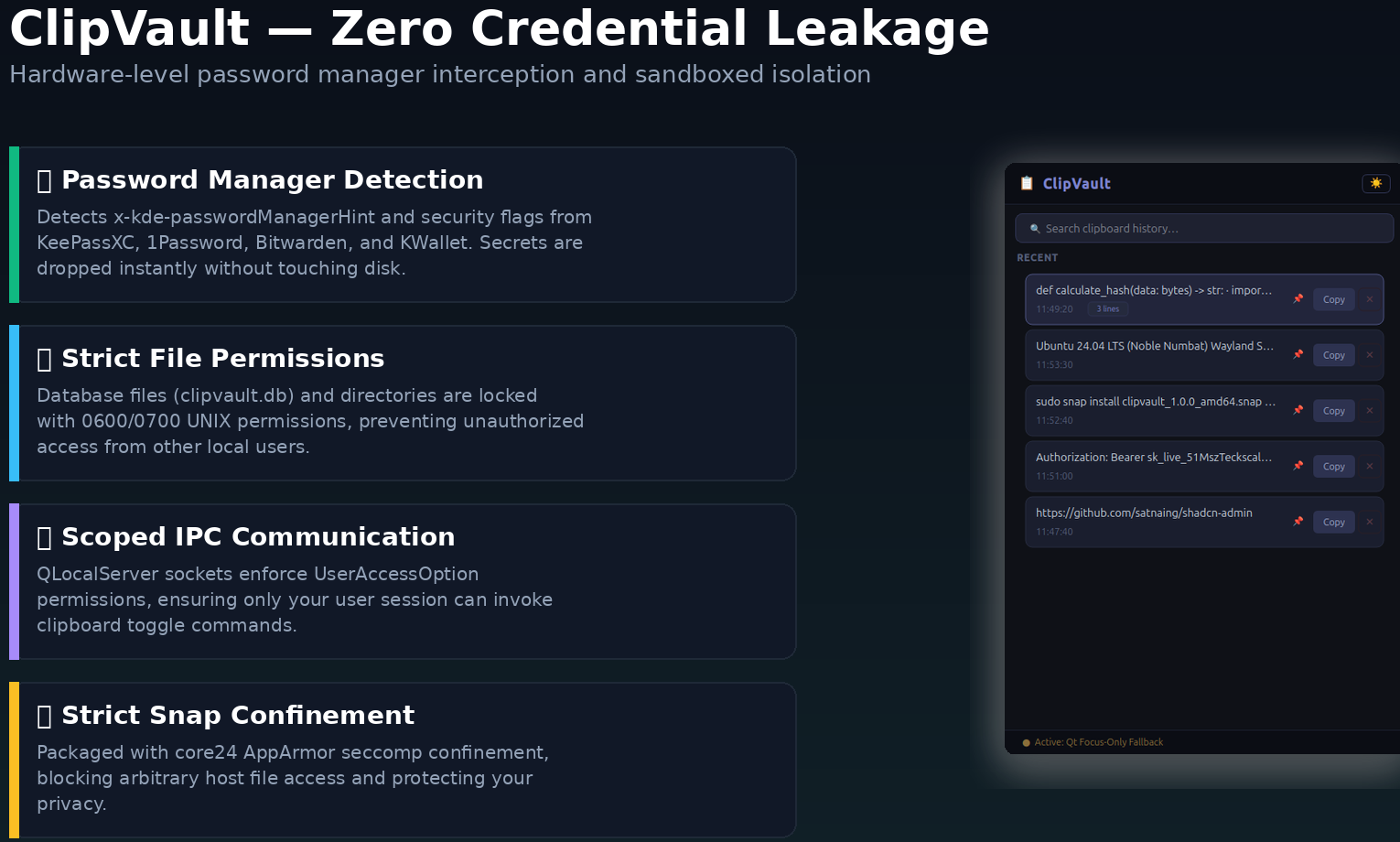
Prior to reading any text, ClipVault inspects clipboard target types using wl-paste or xclip. It intercepts sensitive security flags from KeePassXC, 1Password, Bitwarden, and KWallet. Flagged secrets are discarded immediately without touching memory history or disk storage.
Three-Tier Wayland & X11 Engine
Wayland blocks background windows from reading clipboard events directly. ClipVault coordinates an off-thread background worker thread with focus-aware execution. Subprocess calls stay completely off the main GUI thread, preventing UI freezing and GNOME dock flickering.
Constant O(1) Memory Footprint
ClipVault uses Qt Model-View-Delegate virtualization. Instead of allocating thousands of separate widget objects, visible items are rendered on the fly with smooth 60fps scrolling. Memory usage remains constant around 30 MB regardless of how many clips you store.
Single-Instance IPC & Global Shortcut
A lightweight local UNIX domain socket (QLocalServer) handles single-instance locking. Binding a keyboard shortcut like Super+V to the toggle command brings ClipVault into immediate focus or tucks it away without restarting the process.
Tested and Verified Password Protection
When copying passwords or credentials from KeePassXC, 1Password, or Bitwarden, standard clipboard managers store the plaintext string directly in history files. ClipVault verifies target MIME descriptors before reading text:
- Interception of
x-kde-passwordManagerHint,application/x-password-manager-hint, andapplication/x-copyq-secret - Negative validation checking to prevent false positives
- Zero plaintext traces in SQLite storage or process memory
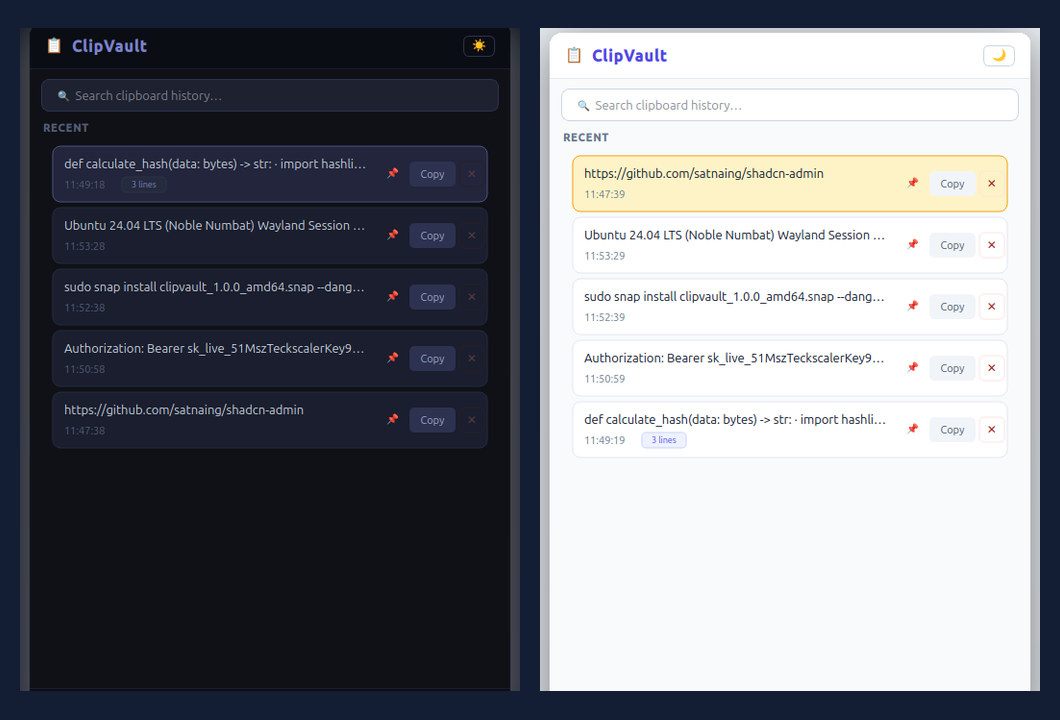
Seamless Card Pinning & Dual Themes
Working on complex deployments or repetitive communications? Pin frequently referenced API tokens, boilerplate functions, and instructions so they remain permanently locked at the top of your history.
- Pinned items bypass automatic FIFO history pruning
- Single-click toggle between calibrated Dark and Light themes
- Preferences and pinned states persist across system restarts via SQLite
Instant Substring Search & Keyboard Flow
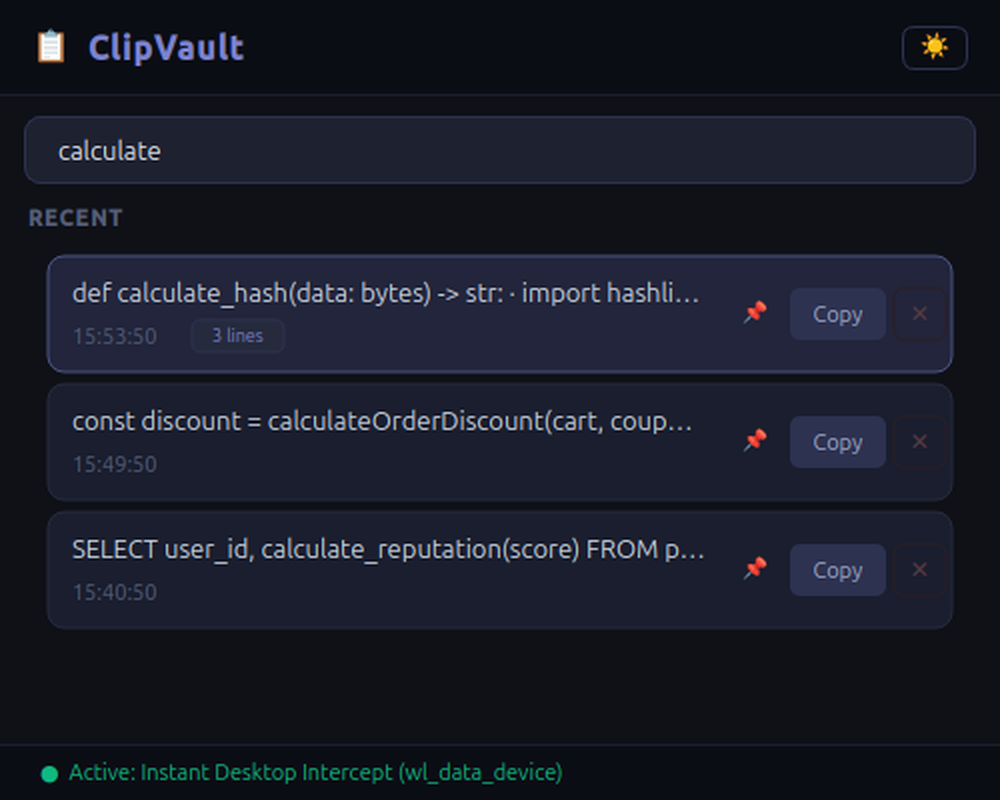
Designed for developers who stay on the keyboard. Filter through hundreds of code snippets, URLs, and multi-line notes instantly with QSortFilterProxyModel:
Jump from search to item list
Copy selected item to clipboard
Purge selected item from history
Dismiss window instantly
Quick 2-Minute Setup on Ubuntu & Linux
sudo snap install clipvault-teckscaler --candidateclipvault-teckscaler.toggleclipvault-teckscalerTechnical Specifications & Architecture
| Package Name |
clipvault-teckscaler |
| Confinement Level |
Strict Snap Sandbox (Ubuntu AppArmor enforced) |
| Display Protocols |
Wayland (wl_data_device / wlr-data-control) & X11 (xclip) |
| GUI Architecture |
QListView + QStyledItemDelegate (constant O(1) memory) |
| Storage Backend |
Embedded SQLite 3 (PRAGMA journal_mode=WAL) |
| Password Manager Detection |
KeePassXC, 1Password, Bitwarden, KWallet MIME hints |
| Inter-Process Communication |
QLocalServer / QLocalSocket (UNIX domain socket) |
| Software License |
MIT Open Source License |
Frequently Asked Questions
How does ClipVault protect passwords and sensitive credentials?
Does ClipVault work natively on Wayland without dock flickering?
wl_data_device and wlr-data-control protocol abstractions via wl-paste without stealing window focus. When ClipVault gains focus, the worker thread automatically suspends (0% CPU), and the application transitions to Qt’s native QClipboard event abstraction. This dual-mode isolation eliminates GNOME dock activation events, Mutter compositor frame drops, and cursor stutter entirely.How do I configure the global Super+V keyboard shortcut?
clipvault-teckscaler.toggle, and assign Super+V or your preferred key combination.Which Linux distributions support ClipVault?
Where does ClipVault store clipboard history and is it secure?
Guides, Benchmarks, and Wayland Architecture
Explore detailed migration notes, desktop comparisons, and our PyQt6 Wayland engineering breakdown.
ClipVault vs. CopyQ on Wayland
See how automatic KeePassXC MIME filtering, Flatpak extension limits, and GNOME dock stability compare.
Best Wayland Clipboard Managers (2026)
An active check covering ClipVault, CopyQ, Copyous, GPaste, cliphist, and why Pano and Diodon should be skipped.
Building ClipVault in Python & PyQt6
Learn how we stopped GNOME Dash to Dock flicker, enforced pre-read password rules, and locked UI rows to O(1) memory.
Enquiries & Product Support
Have a question, packaging request, or feedback about ClipVault? Send us a message below. For reproducible software bugs or code contributions, visit our GitHub Issues tracker.
Need Custom Linux Utilities or Desktop Engineering?
TeckScaler builds high-performance desktop applications, developer tooling, and enterprise software. Discuss your project requirements with our engineering team.
Contact Engineering Team →