
Clean Frosted Glass Styling.
Crafted for Daily Focus.
Translucent ice-frost styling across your tab strip and frame, paired with deep slate text that never washes out. Features a crisp 2560×1440 fluid ribbon wallpaper anchored cleanly to the bottom edge.
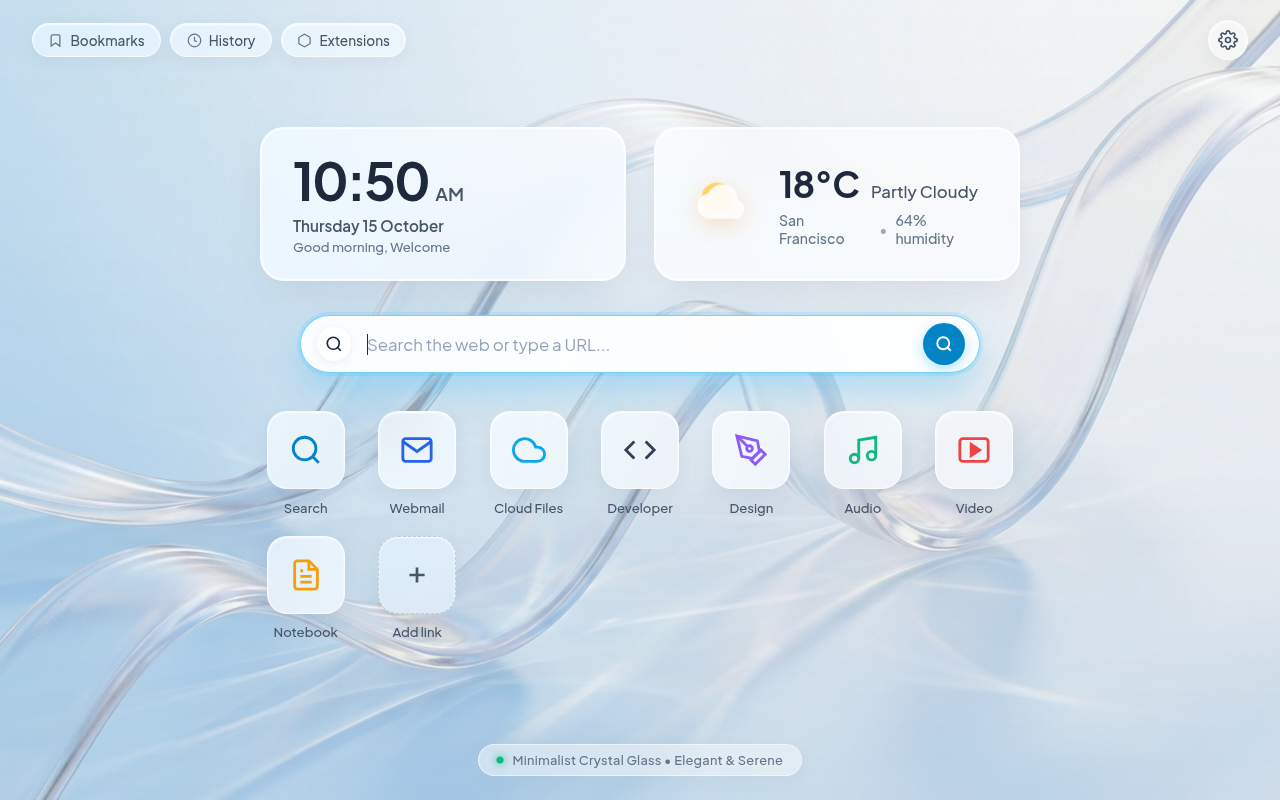
Engineered for Visual Clarity & Zero Lag
Pure Chromium architecture adhering strictly to Chrome Web Store standards.
17:1 Text Contrast
Deep slate text on light frost tabs exceeds WCAG AAA standards. Every tab title stays readable under harsh sunlight or office glare.
2560×1440 Wallpaper
Clean 3D glass ribbon artwork anchors cleanly to the bottom edge. Fits 1080p, 1440p, and ultrawide screens without stretching or tiling.
Distinct Incognito
Automatically shifts to obsidian charcoal when private browsing starts. You will never mix up private and standard windows.
Zero Memory Drain
Pure browser skin. Runs with zero background scripts, zero content scripts, and zero network calls. It cannot slow down your computer.
Accessibility Contrast Verification
Calculated using WCAG 2.1 relative luminance standards to guarantee readability.
How to Apply Crystal Frost
chrome://settings/appearance and click “Reset to default”.