

How many hours a day do you spend looking at Google Chrome? If you are a developer, designer, or digital professional, the answer is likely six to ten hours. Staring at bright white toolbars or muddy, uncalibrated dark grays causes eye fatigue and headaches.
While Google Chrome includes a default dark mode, it leaves much to be desired. Active tabs blend into the background, toolbar icons lose sharpness, and opening a new tab can feel visually dull.
Executive Summary
- Aesthetic Ergonomics: Default dark modes often suffer from muddy gray tabs, poor active tab contrast, or bloated high-resolution background assets.
- Battery & Eye Comfort: True deep-black and calibrated dark themes reduce digital eye strain during late-night coding while saving OLED display power.
- Zero Performance Cost: Unlike heavy script extensions, native browser themes consume zero background CPU or RAM.
- Our Top Picks: Features TeckScaler’s bespoke Crystal Frost and Pixel CyberGrid themes alongside top minimalist community favorites.
Table of Contents
- Executive Summary
- 8 Best Minimalist Dark Themes for Chrome Compared
- Why Your Browser Theme Matters for Focus and Eye Health
- 1. Crystal Frost Theme by TeckScaler (Our Top Pick)
- 2. Pixel CyberGrid Theme by TeckScaler (Best for Retro Lovers)
- How to Choose the Best Theme for Your Setup
- Frequently Asked Questions
- Related Guides & Next Steps
- Primary Sources & References
8 Best Minimalist Dark Themes for Chrome Compared
| Theme Name | Color Palette | Tab Contrast Rating | New Tab Artwork | Best For |
|---|---|---|---|---|
| Crystal Frost (TeckScaler) | Glassmorphic deep navy & ice cyan | 5/5 (High contrast active tab) | Minimalist 1080p crystal vector | Modern productivity and night coding. |
| Pixel CyberGrid (TeckScaler) | 16-bit cyber retro neon & obsidian | 5/5 (Calibrated soft cyan) | Isometric digital grid art | Retro gaming enthusiasts and developers. |
| Just Black (Chrome Team) | Monochrome solid pitch black | 4/5 (Subtle gray active border) | Pure minimalist black canvas | Maximum OLED battery savings. |
| Slate Dark Theme | Cool slate blue & charcoal gray | 4/5 (Distinct tab highlights) | Subtle matte texture | Office professionals wanting soft dark tones. |
| Nordic Frost Minimalist | Nord Arctic blue & frosty gray | 4/5 (Crisp blue active tab) | Geometric glacier line art | Fans of the popular Nord code color scheme. |
| Midnight OLED Contrast | True #000000 with violet accents | 5/5 (High visibility tabs) | Deep space nebula silhouette | Users with high-end HDR and OLED monitors. |
| Dracula Official Chrome | Signature purple, pink, and dark navy | 4/5 (Distinct Dracula accents) | Clean dark background | Developers pairing browser with IDE themes. |
| Gruvbox Retro Dark | Warm earthy charcoal and sepia amber | 4/5 (Warm contrast highlights) | Vintage amber grid | Warm low-blue-light nighttime browsing. |
Why Your Browser Theme Matters for Focus and Eye Health
How many hours a day do you spend looking at Google Chrome? If you are a developer, designer, or digital professional, the answer is likely six to ten hours. Staring at bright white toolbars or muddy, uncalibrated dark grays causes eye fatigue and headaches.
While Google Chrome includes a default dark mode, it leaves much to be desired. Active tabs blend into the background, toolbar icons lose sharpness, and opening a new tab can feel visually dull.
Installing a carefully engineered minimalist dark theme transforms your browser. The right theme provides crisp tab contrast, reduces screen glare, and adds an intentional aesthetic without slowing down your computer.
1. Crystal Frost Theme by TeckScaler (Our Top Pick)
Taking our top spot is the Crystal Frost Chrome Theme from TeckScaler. Engineered specifically for developers and night owls, Crystal Frost combines sleek glassmorphism with distraction-free dark ergonomics.
The theme features a calibrated deep navy frame that makes your active tab immediately identifiable, even with dozens of tabs open. Its translucent frame tints and crisp icon contrast eliminate eye strain during late-night coding sessions.
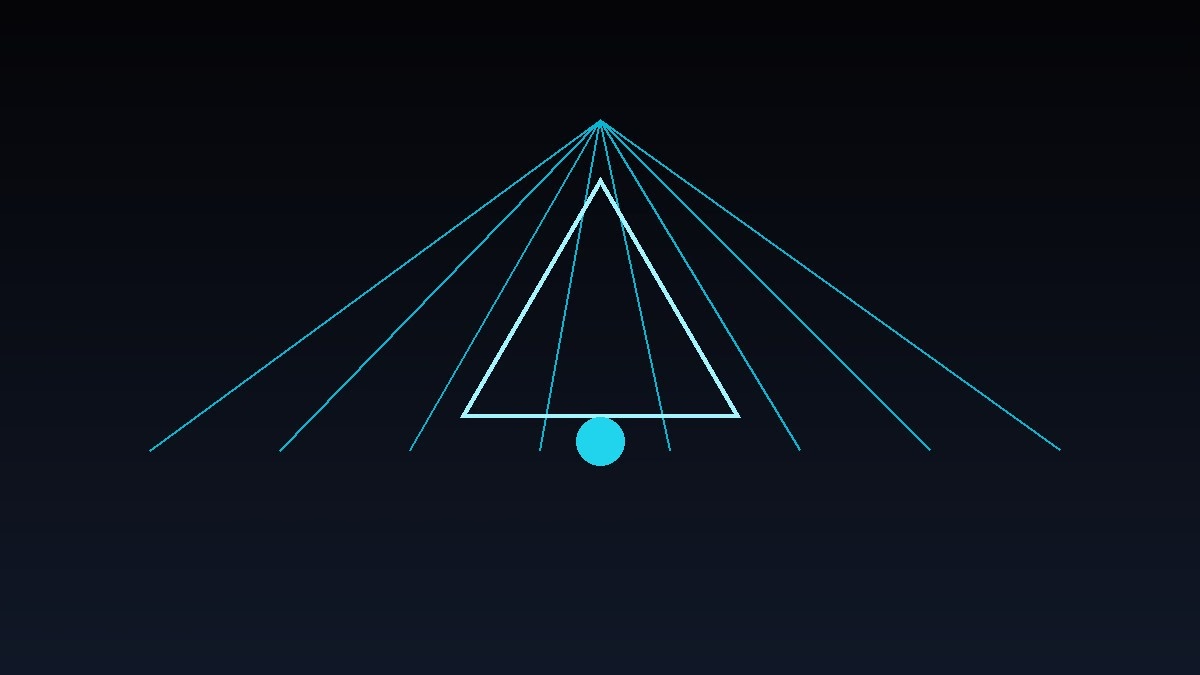
Best of all, Crystal Frost includes an ultra-lightweight 1080p geometric crystal vector artwork on the new tab page that loads instantly with zero memory overhead. It is free to install directly from the Chrome Web Store.
2. Pixel CyberGrid Theme by TeckScaler (Best for Retro Lovers)
If you love 16-bit aesthetics and retro cyberpunk visuals, Pixel CyberGrid is built for you. Designed by the TeckScaler design lab, it captures the nostalgic feel of classic arcade computing.
The theme uses soft neon cyan tab indicators against an obsidian dark frame, giving you razor-sharp visibility without harsh glare. Its new tab page features a stunning isometric digital grid artwork that feels both retro and modern.
Like all TeckScaler themes, Pixel CyberGrid is lightweight and strictly adheres to modern Chrome theme specifications, ensuring zero impact on your browser startup speed.
How to Choose the Best Theme for Your Setup
When choosing a browser theme, keep your display hardware and lighting environment in mind. If you work on an OLED laptop or monitor, themes with true `#000000` pitch-black backgrounds (like Just Black or Midnight OLED) physically turn off display pixels to save battery.
If you prefer softer visual contrast that prevents harsh edges, cool slate palettes like Crystal Frost or Nordic Frost provide the smoothest balance for all-day focus.
Never install themes that use bloated multi-megabyte GIF animations or uncompressed photos. Heavy backgrounds slow down new tab opening times and waste system memory.
Frequently Asked Questions
Do Chrome themes slow down browser performance?
No. Native Chrome themes only define color values and a static background image. Unlike script extensions, themes consume zero background CPU or RAM.
How do I remove or reset my Chrome theme to default?
Open Chrome Settings, click on Appearance in the left sidebar, and click the ‘Reset to default’ button next to the Theme option.
Are TeckScaler Chrome themes free to install?
Yes. Both Crystal Frost and Pixel CyberGrid are 100% free to install from the official Google Chrome Web Store.
Related Guides & Next Steps
We hope this tutorial helped you level up your browser engineering. Explore related guides from our topic cluster:
- The Ultimate Guide to Chrome Extension Development: Building for Manifest V3
- How to Build Your First Chrome Extension in 15 Minutes (Step by Step)
- The Ultimate Guide to Free Developer Micro-Tools: Speed & Privacy
Primary Sources & References
Written by the TeckScaler Editorial Engineering Team. We provide practical, beginner-friendly tutorials, architectural blueprints, and modern browser customization guides.


