
Are your AI agents drifting off-topic or randomly ignoring your formatting instructions? Writing a reliable system prompt can feel like guesswork when model outputs keep changing between runs.
Many developers make the mistake of writing prompts like casual email instructions. However, large language models perform significantly better when instructions follow clear structural hierarchies.
Executive Summary
- Core Blueprint: Discover the 5 indispensable pillars of an enterprise system prompt that eliminate model drift and formatting errors.
- Token Savings: Learn how to cut prompt token overhead by up to 40% without sacrificing response accuracy or context fidelity.
- Battle-Tested Templates: Get free, ready-to-use production prompt templates for customer support bots, data extractors, and code reviewers.
- One-Click Optimization: Use the free TeckScaler Prompt Optimizer to format and validate system prompts in seconds.
Table of Contents
- Executive Summary
- Production System Prompt Architecture: 5 Essential Pillars
- Why System Prompt Structure Matters
- Step 1: Define Role and Operating Scope with XML Delimiters
- Step 2: Establish Explicit Negative Constraints
- Step 3: Inject Few-Shot Input and Output Exemplars
- Step 4: Prune and Validate with TeckScaler Prompt Optimizer
- Free Production-Ready Prompt Templates
- Frequently Asked Questions
- Related Guides & Next Steps
- Primary Sources & References
Production System Prompt Architecture: 5 Essential Pillars
| Prompt Component | Primary Purpose | Syntax Convention | Failure Mode Prevented |
|---|---|---|---|
| Role & Scope | Establishes persona and authority bounds | ` | Prevents generic, unfocused conversational rambling. |
| Reference Context | Supplies ground truth facts and schemas | ` | Stops the model from relying on outdated training facts. |
| Negative Constraints | Defines strict forbidden behaviors | ` | Blocks prompt leakage, jailbreaks, and unintended actions. |
| Few-Shot Examples | Shows exact input-output pairs | ` | Drastically boosts schema and formatting adherence. |
| Output Contract | Specifies schema and syntax rules | ` | Eliminates unwanted markdown prose and code fences. |
Why System Prompt Structure Matters
Are your AI agents drifting off-topic or randomly ignoring your formatting instructions? Writing a reliable system prompt can feel like guesswork when model outputs keep changing between runs.
Many developers make the mistake of writing prompts like casual email instructions. However, large language models perform significantly better when instructions follow clear structural hierarchies.
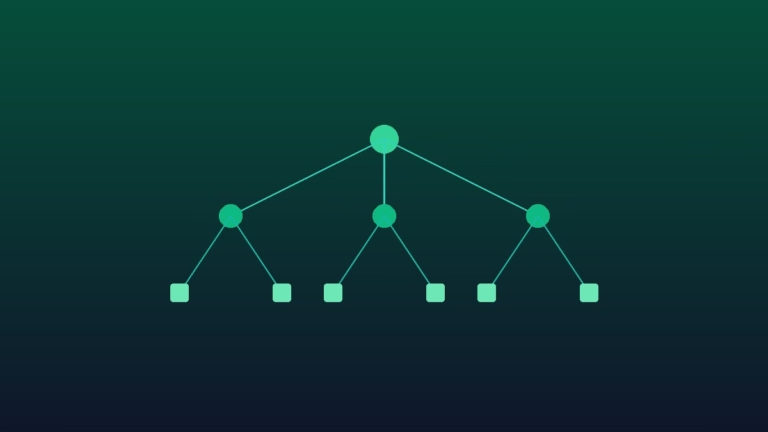
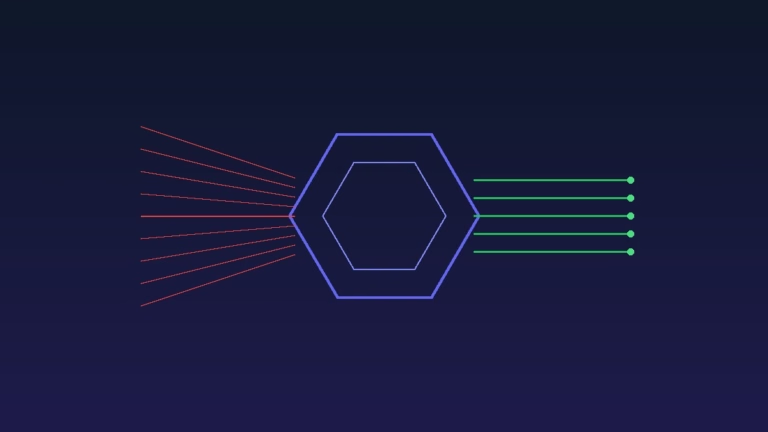
A structured prompt gives the model clear boundaries, separates data from instructions, and eliminates ambiguity.
In this step-by-step tutorial, we will show you how to structure an airtight system prompt using proven templates that keep your AI applications reliable.
Step 1: Define Role and Operating Scope with XML Delimiters
The first step in any production prompt is setting a clear operational persona. Avoid vague labels like ‘You are a helpful assistant.’
Instead, specify the exact domain, role level, and communication tone. For example: ‘You are a senior database administrator specializing in PostgreSQL query optimization.’
Wrap this definition in XML tags like `
Clear roles prime the model’s neural weights toward domain-specific technical vocabulary and analytical reasoning.
Step 2: Establish Explicit Negative Constraints
Telling an AI model what to do is only half the battle. You must also explicitly specify what it must never do.
Negative constraints act as safety guardrails. Examples include forbidding conversational small talk, banning markdown code blocks, and restricting answers to provided reference documents.
Group your negative rules inside a dedicated `
Explicit negative rules drastically reduce hallucinations and prevent the model from guessing answers when facts are missing.
Step 3: Inject Few-Shot Input and Output Exemplars
Few-shot prompting is one of the most effective ways to guarantee consistent outputs. Showing a model one or two examples is worth pages of prose instructions.
Add an `
Include edge cases in your examples, such as an input with missing data or an invalid user request.
This teaches the model how to handle errors gracefully without crashing your backend application.
Step 4: Prune and Validate with TeckScaler Prompt Optimizer
Once you have assembled your prompt sections, it is time to optimize token efficiency. Long prompts increase latency and raise monthly API costs.
You can paste your draft into the TeckScaler Prompt Optimizer to identify unnecessary filler words.
The tool highlights verbose phrases and suggests clean, compact alternatives that preserve full semantic meaning.
Optimizing your system prompts typically reduces token consumption by 25% to 40% across high-volume production endpoints.
Free Production-Ready Prompt Templates
To help you get started quickly, we have published ready-to-use prompt templates for common application use cases.
Our customer support classifier template routes incoming user tickets into categorized priority queues with zero conversational fluff.
Our data extraction template converts unstructured PDF and email text into strict, validated JSON objects.
Explore our complete template library in the TeckScaler Developer Resources hub to accelerate your next AI deployment.
Frequently Asked Questions
Why are XML tags better than markdown headers in system prompts?
Anthropic and OpenAI models are specifically fine-tuned to recognize XML tags as authoritative semantic containers. XML tags prevent user input from overriding system instructions and make prompt parsing deterministic.
How many few-shot examples should I include in a production prompt?
For most classification and structured extraction tasks, two to three diverse examples are sufficient. Adding more than five examples rarely improves accuracy and unnecessarily inflates per-request token costs.
How does prompt token pruning lower application latency?
Every token in your system prompt must be processed during the prefill phase of model inference. Pruning 200 unnecessary tokens reduces time-to-first-token (TTFT) latency, making your web application respond noticeably faster.
Related Guides & Next Steps
We hope this guide helped you architect rock-solid prompt engineering pipelines. Explore related tutorials from our AI engineering cluster:
- Enterprise Prompt Engineering: Scaffolding & Schemas Guide
- How to Force Structured JSON Outputs in OpenAI, Anthropic, and Gemini
- How to Stop AI Hallucinations in Production Applications
- Free Developer Micro-Tools: Speed & Privacy Guide
Primary Sources & References
Written by the TeckScaler AI & Machine Learning Engineering Team. We build robust enterprise prompt architectures, strict JSON validation systems, and intelligent multi-agent pipelines.