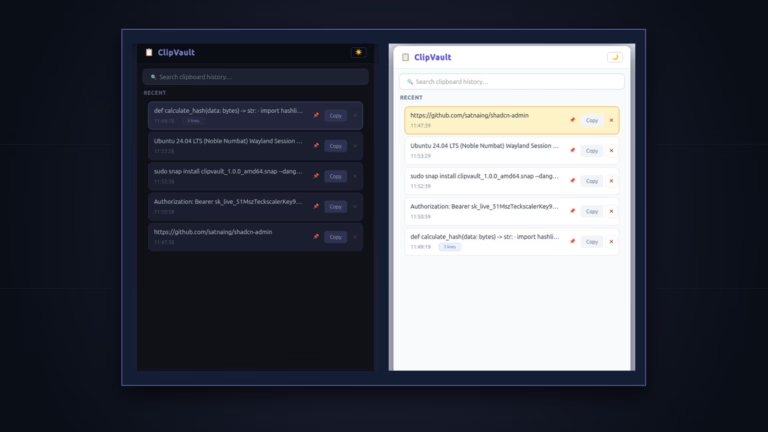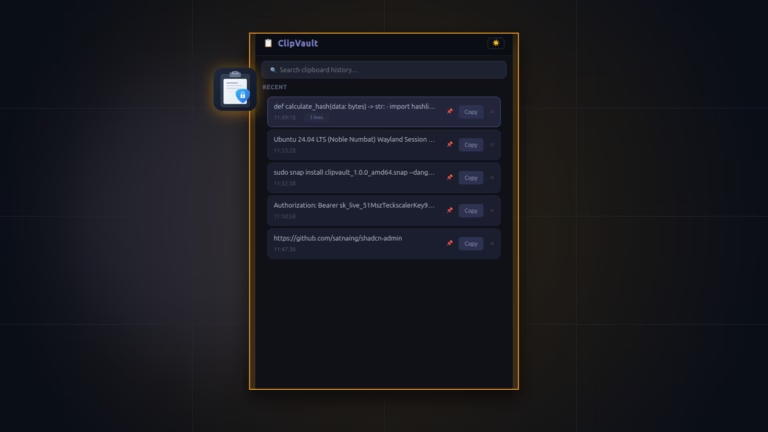

Writing a clipboard tool on X11 once took 40 lines of Python. On Ubuntu GNOME Wayland, that same script hits three walls fast. Hidden windows cannot see live QClipboard events, polling wl-paste makes GNOME Dash to Dock flash, and blind reads store KeePassXC secrets into plain SQLite files.
While building ClipVault (source on GitHub), we solved those snags with a three-tier loop, pre-read MIME checks, virtualized Qt rows, a UNIX socket toggle, and strict core24 Snap rules. Here is what worked in real tests and what limits we kept.
Executive Summary
- Stop GNOME dock flicker: Prioritizing off-thread
xclipandxselahead ofwl-paste, and strippingDESKTOP_STARTUP_IDplusXDG_ACTIVATION_TOKEN, eliminates transparent surface blinks.- Drop secrets pre-read: ClipVault checks clipboard targets against eight password tags (including
x-kde-passwordManagerHint) before reading text payloads.- Keep RAM flat:
QListView.setUniformItemSizes(True)and fixed 64 px delegates paint only visible rows rather than full widget trees.- Instant key wake: A
QLocalServersocket (ClipVaultLocalServer) wakes the running app onclipvault-teckscaler.togglewithout Python startup lag.
1. Three-Tier Capture and Fixing GNOME Dock Flicker
Under core Wayland rules, wl_data_device shares copies only with the focused client. Tiling tools like Sway add wlr-data-control-unstable-v1, and ext-data-control-v1 builds the new shared protocol. Stock GNOME omits those hooks.
Running wl-paste every 500 ms on GNOME triggers an ugly side effect. Each call briefly opens a Wayland helper surface and makes Dash to Dock flash. We fixed that inside services/clipboard_service.py in three steps:
- Pick XWayland first:
_find_clipboard_commandselectsxclip, thenxsel, and finallywl-paste. Off-threadxclipreads cross-window copies smoothly with zero dock flashes. - Strip launch env vars: Before running child processes,
ClipboardWorkerremovesDESKTOP_STARTUP_IDandXDG_ACTIVATION_TOKENso GTK never treats polls as app starts. - Coordinate three paths: A 1,000 ms focus timer (
_check_focus_state) pauses polling while ClipVault holds focus. Qt signals (_on_qt_signal), a backup timer (_qt_timer), and a 500 ms echo guard (_ignore_next) handle in-app edits. When onlywl-pasteexists, ClipVault runswl-paste -t text --watchand falls back to polling if watch exits.
2. Pre-Read MIME Password Checks and Size Limits
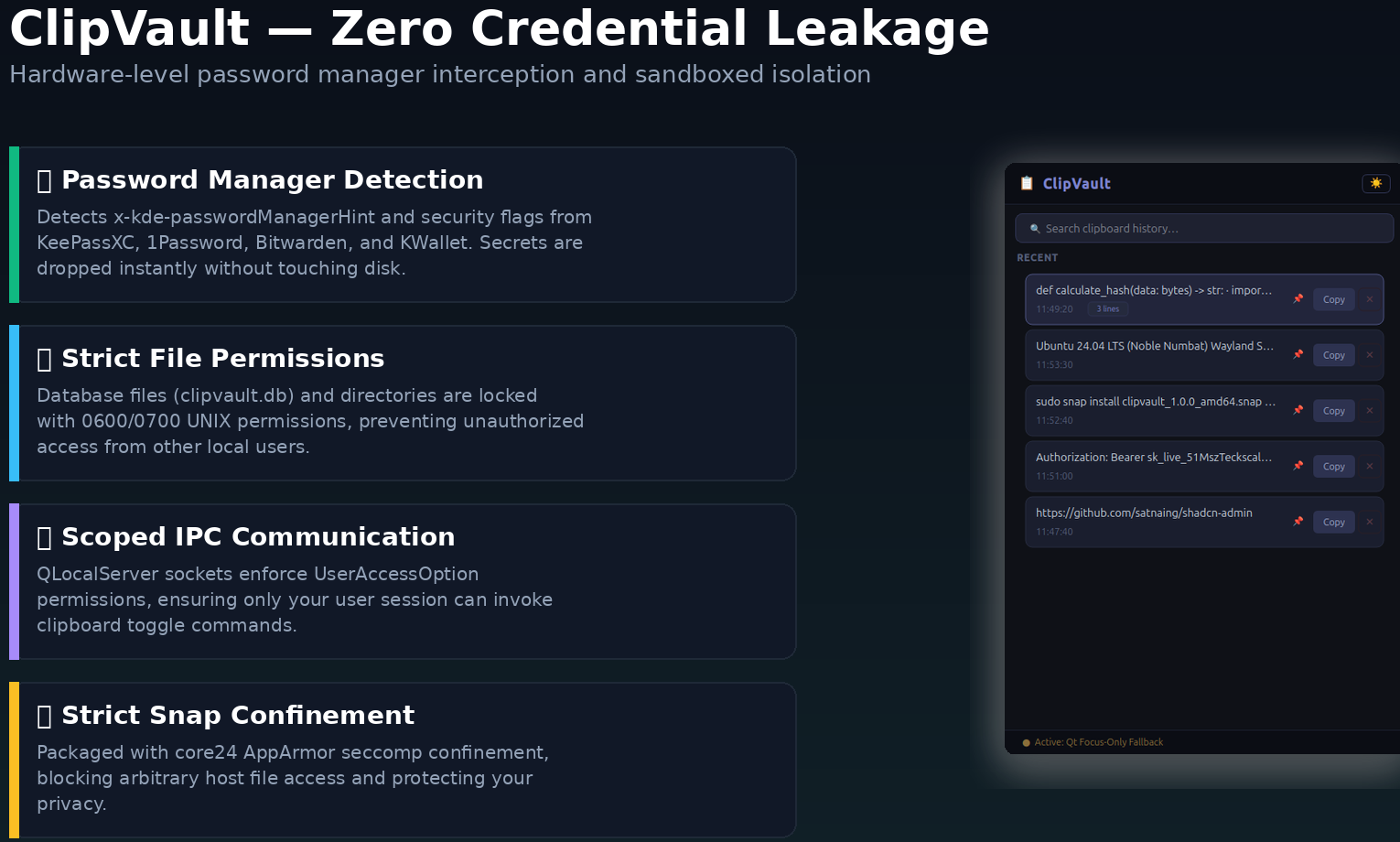
Password tools tag secret copies with MIME hints. KeePassXC’s Clipboard.cpp sets x-kde-passwordManagerHint with secret payload bytes. Reading text first puts secrets straight into Python RAM before any filter runs.
ClipVault checks MIME target names before touching clipboard text. Inside services/sensitive_detector.py, it tests eight common tags and allows false flags in _NEGATIVE_VALUES (0, false, no):
x-kde-passwordManagerHintandapplication/x-kde-passwordManagerHintapplication/x-password-manager-hintandx-password-manager-hintapplication/x-nspasteboard-concealed-typeapplication/x-copyq-secrettext/x-moz-secretandx-secret
Inside normalize_text, ClipVault also strips null bytes and skips giant blobs past 1,000,000 bytes so an accidental dump never stalls SQLite.
3. Fixed-Height QListView and Fast Substring Search
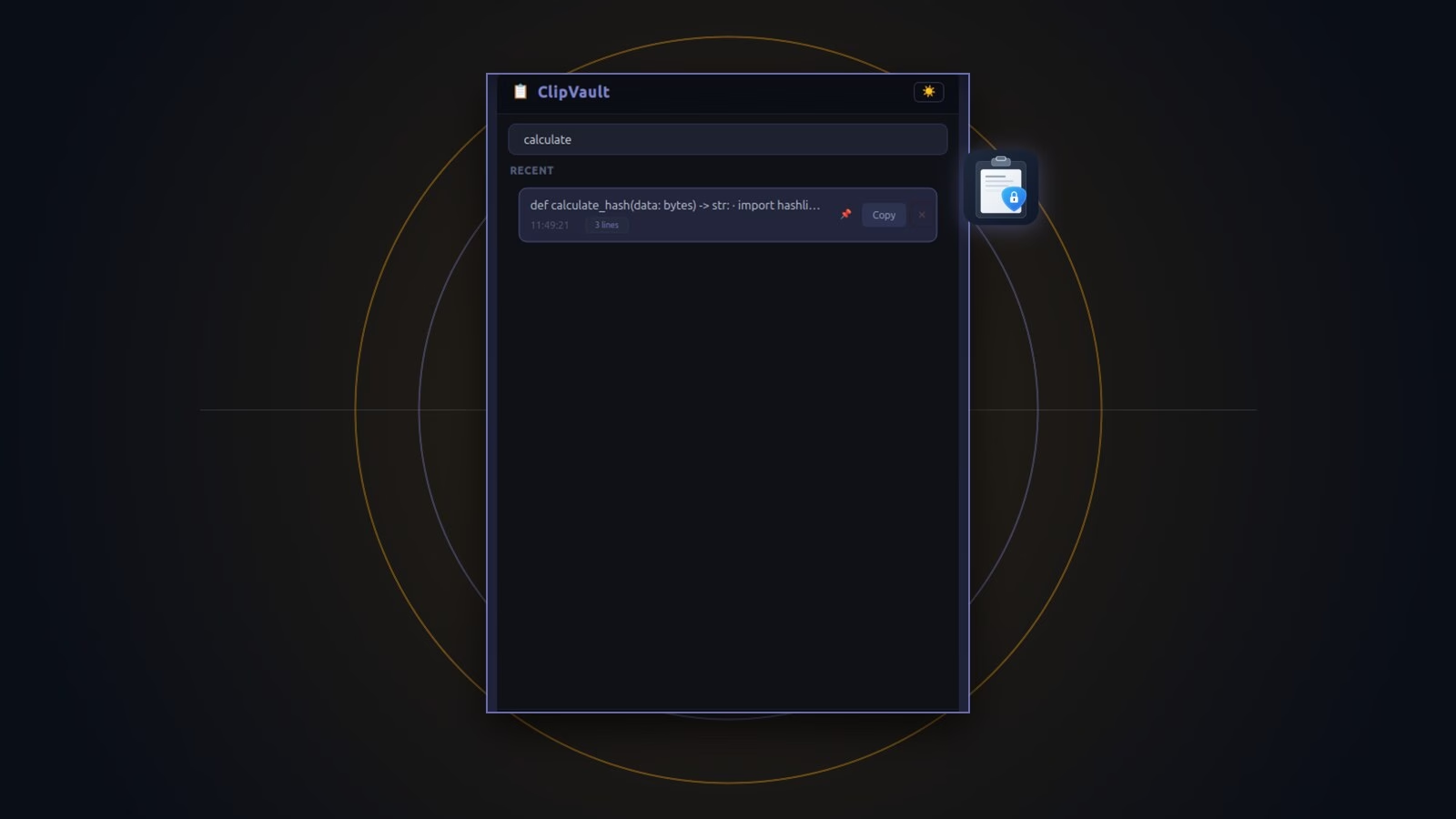
Early tests that put custom widgets inside a box layout grew slow when history filled up. ClipVault switched to Qt Model-View-Delegate cards inside ui/clipboard_model.py and ui/clipboard_delegate.py:
- Constant height rows: Calling
QListView.setUniformItemSizes(True)with 64 px rows lets Qt scroll without measuring off-screen items. - Short card previews: Cards paint a clean preview capped at
_MAX_PREVIEW_CHARS = 55with time and pin states, while full text stays safe in the model. - Full key control: Pressing
Downjumps from search to row zero.Entercopies and hides,Deletedrops the item (callingremove_item()to clear active system text if it matched), andEscapecloses focus.
4. UNIX Socket IPC and SQLite WAL Persistence
Booting Python and PyQt6 on every Super+V press feels slow. Inside main.py, ClipVault binds one resident instance on QLocalServer named ClipVaultLocalServer with UserAccessOption.
When you run clipvault-teckscaler.toggle, a small helper sends toggle\n to that socket and exits right away. In snap/snapcraft.yaml, that UNIX socket is why network-bind sits alongside x11, wayland, desktop, and opengl under strict core24 confinement.
For storage, services/database_service.py picks $SNAP_USER_DATA, XDG_DATA_HOME/clipvault, or the local root. It opens SQLite in Write-Ahead Logging mode, locks access down, and trims past 100 unpinned items:
PRAGMA journal_mode=WAL;
PRAGMA synchronous=NORMAL;
5. Current Trade-Offs and Test Coverage
Shipping a fast v1.0.0 meant making clear scope cuts:
- Text only: Images and binary clips are skipped by design. Users who copy screenshots should read ClipVault vs. CopyQ or compare GPaste and Copyous.
- File permissions over disk encryption: Today SQLite relies on
0600permissions and Snap AppArmor isolation rather than passphrase encryption at rest. - Tested modules: The local test suite checks database WAL pruning, MIME secret filters, negative hints, themes, and virtual list models across 40 passing
unittestchecks.
Try the package on the ClipVault Snapcraft store page or see the ClipVault setup guide.
Frequently Asked Questions
Why does ClipVault check xclip before wl-paste on Ubuntu Wayland?
Calling wl-paste repeatedly on GNOME Shell can trigger popup surfaces that make Dash to Dock flash. Off-thread XWayland xclip with cleared startup tokens stops that flicker while still capturing cross-app copies.
Why does ClipVault’s Snap list the network-bind plug?
Strict Snap rules block local UNIX socket servers without network-bind. ClipVault uses that permission strictly for its local ClipVaultLocalServer socket and never opens internet connections.
How does ClipVault keep PyQt6 scrolling smooth?
QListView.setUniformItemSizes(True) locks rows at 64 px and trims card text at 55 chars, so Qt paints only visible cards on screen.
Where does ClipVault store its SQLite vault?
Inside Snap installs, it writes to $SNAP_USER_DATA using SQLite WAL mode and strict 0600 file permissions.