

Picking a Linux clipboard tool in 2026 comes down to one trade. Do you want deep custom scripts, or do you want quiet stability under Wayland? CopyQ is the classic power tool. It holds over 12,600 GitHub stars and supports multi-tab history, images, and JavaScript actions. Yet Ubuntu GNOME Wayland users often hit capture gaps, sandbox bugs, and manual privacy rules.
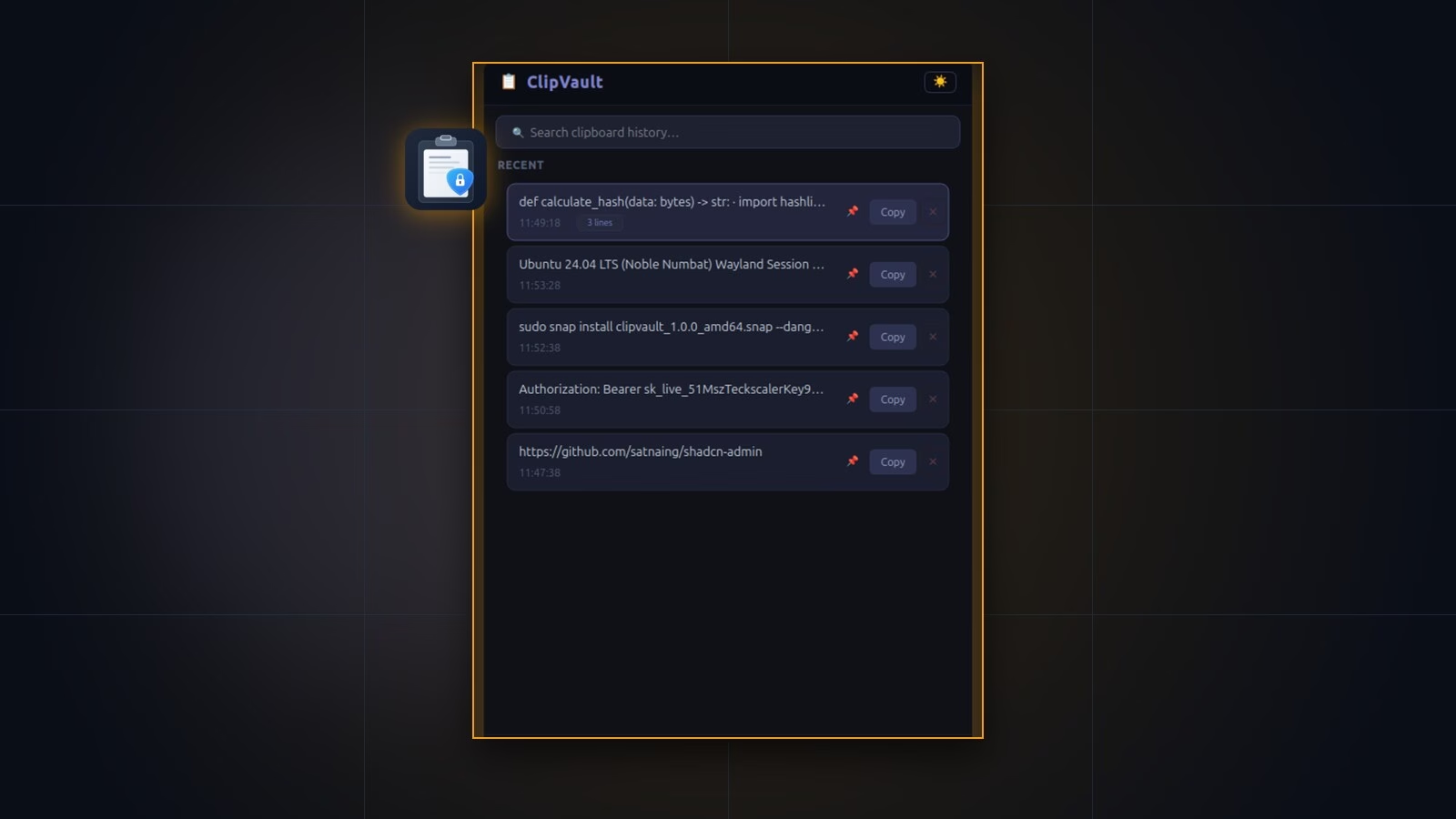
ClipVault takes a focused path. Built in Python and PyQt6 under strict Snap confinement, it stores text only. It favors fast search, steady RAM use, quiet GNOME Wayland capture, and zero-setup password checks. Which tool fits you depends on how you work each day.
Executive Summary
- Where CopyQ wins: CopyQ saves rich text, images, and raw binary data. It runs JavaScript hooks and works on Linux, macOS, and Windows.
- Where CopyQ trips on GNOME Wayland: Official CopyQ Known Issues warn that its GNOME extension fails inside Flatpak and AppImage packages. Forcing XWayland can also stop closed-window tracking.
- Where ClipVault wins: ClipVault blocks eight password manager tags right out of the box. It clears GTK startup tokens to stop GNOME dock flashes and keeps list scrolling fast.
- Honest ClipVault limits: It tracks UTF-8 text only, up to 1 MB per clip. Unpinned storage stops at 100 items. Disk files use
0600permissions rather than disk encryption, and Snapcraft is the main install channel today.
1. Wayland Capture and GNOME Dock Flicker
Wayland keeps background apps away from your live clipboard. Only the active window with keyboard focus can read new copies on its own. Some compositors like Sway add wlr-data-control, and ext-data-control-v1 aims to standardize this. Stock GNOME Mutter skips wlr-data-control, which makes desktop apps work harder to stay in sync.
Since release 14.0.0, CopyQ solved this with a helper GNOME Shell extension. Native distro installs use that add-on well. Still, CopyQ’s Known Issues page notes a catch. That GNOME Shell extension cannot run inside Flatpak or AppImage sandboxes.
Linux users have also filed GNOME Wayland bugs on GitHub. In CopyQ Issue #3587, forcing XWayland with QT_QPA_PLATFORM=xcb caused monitoring to halt once the main window closed. In Issue #3586, clicking the GNOME tray icon caused a 15-second busy cursor lag.
ClipVault drops GNOME extensions completely and uses a three-tier Python and PyQt6 capture design:
- Smart backend order: A background thread checks
xclipandxselbefore falling back towl-paste. Using XWayland off the UI thread stops rapid popup flashes on GNOME. - Clean child environment: Before each poll, ClipVault deletes
DESKTOP_STARTUP_IDandXDG_ACTIVATION_TOKEN. Dash to Dock no longer blinks or shows ghost apps every 500 ms. - Fast socket toggle: One resident instance listens on a local UNIX socket. Pressing your hotkey shows or hides the drawer with zero startup delay.
2. Password Manager Safety Rules
Password vaults tag secrets on the clipboard using MIME hints. As KeePassXC source code shows, it writes x-kde-passwordManagerHint with the value secret so safe tools know to skip storage.
In CopyQ, secret hiding is not on by default. The CopyQ FAQ tells users to build an automatic rule by hand. You have to pick the hint format, clear the window filter, turn on Ignore, and drag that rule to the top of your list. If you forget on a fresh install, plain passwords land in your history tabs.
ClipVault checks secret hints before it reads any text at all. Inside services/sensitive_detector.py, it scans eight password tags covering KeePassXC, KWallet, Bitwarden, 1Password, and browser vaults:
x-kde-passwordManagerHintandapplication/x-kde-passwordManagerHintapplication/x-password-manager-hintandx-password-manager-hintapplication/x-nspasteboard-concealed-typeapplication/x-copyq-secrettext/x-moz-secretandx-secret
ClipVault also checks negative flags like 0, false, and no. Normal apps that pass a false flag still save as expected.
3. RAM Use and List Search Speed
Engineers often copy huge logs, JSON payloads, and long stack traces. If a clipboard tool spawns heavy widgets for every item, its popup slows down as days pass.
CopyQ scales well with Qt views and supports image thumbnails, HTML clips, and rich tabs. That scope adds weight if you never touch scripts, sync plugins, or image storage.
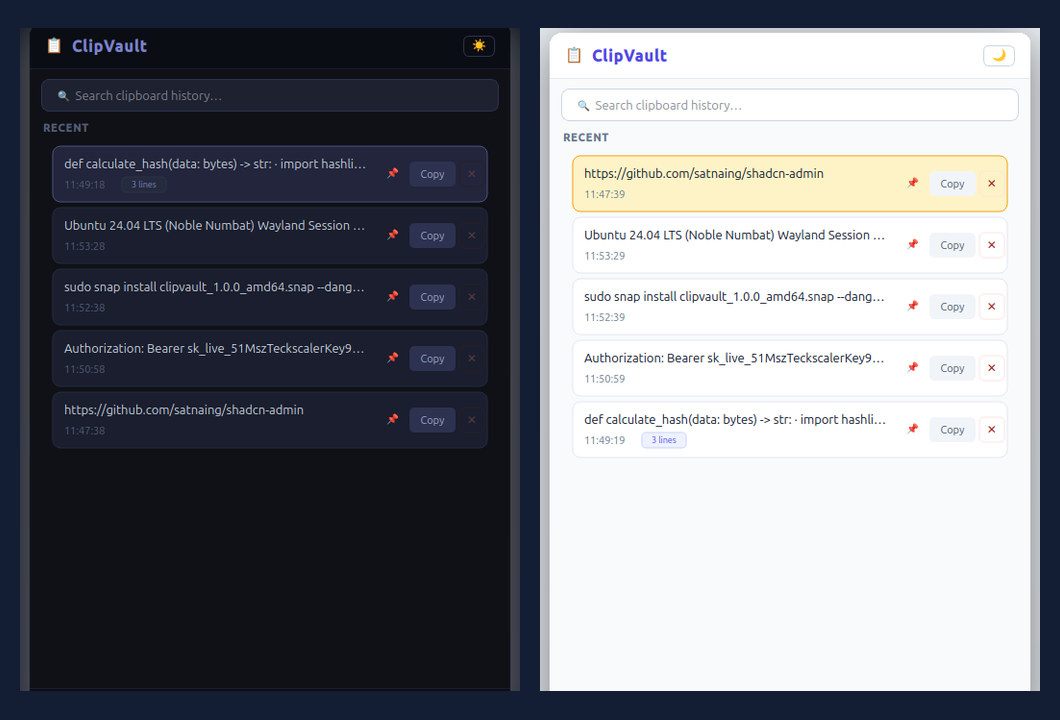
ClipVault stays lean with Qt’s Model-View-Delegate pattern. The list turns on setUniformItemSizes(True) with fixed 64 px rows. Qt only paints the cards you see on screen and trims card previews to 55 chars, while full clips live in SQLite WAL mode. It also drops huge copies above 1,000,000 bytes so a rogue binary copy never freezes your desktop.
4. Side-by-Side Technical Comparison
| Feature | ClipVault (v1.0.0) | CopyQ |
|---|---|---|
| License & Stack | MIT; Python, PyQt6, SQLite WAL. | GPL-3.0; C++ and Qt on Linux, macOS, Windows. |
| GNOME Wayland | Off-thread capture, no extension needed. | Shell extension (v14+); Flatpak limits apply. |
| Password Safety | On by default across 8 MIME hint types. | Manual Ignore rule required per setup. |
| Data Types | UTF-8 text only, up to 1 MB per entry. | Text, HTML, PNG images, raw binary data. |
| History & Tabs | 100 unpinned items plus unlimited pins. | Large item cap, multi-tabs, tags, notes. |
| Scripting | None; focused lookup drawer only. | Full JavaScript engine and CLI hooks. |
| Disk & Sandbox | SQLite 0600 inside strict core24 Snap. | Tab files, optional encryption, APT/Flatpak. |
Be clear on your needs before moving. If you paste screenshots every hour or run JavaScript macros, stay with CopyQ or inspect Copyous and GPaste in our 2026 guide. If you want fast text search that protects passwords by default, ClipVault fits best.
5. How to Switch from CopyQ in Two Minutes
Moving takes three quick steps on Ubuntu 20.04+ or any Snap-ready Linux box:
- Install ClipVault via Snap:
sudo snap install clipvault-teckscaler --candidate - Turn off CopyQ and bind your key: Quit CopyQ and clear its hotkey in Preferences so two tools do not clash. Next, open Ubuntu Settings > Keyboard > Keyboard Shortcuts > Custom Shortcuts. Point
Super + V(orCtrl + Alt + V) toclipvault-teckscaler.toggle. - Pin your go-to text snippets: ClipVault starts empty so old unguarded secrets stay off disk. Copy your key tokens once with ClipVault active, then click each pin icon so pruning skips them.
Check the ClipVault Snapcraft page or visit the ClipVault product page for full shortcut notes.
Frequently Asked Questions
Does ClipVault store copied images like CopyQ?
No. ClipVault stores UTF-8 text only, up to 1,000,000 bytes per copy. That limit keeps list search instant. If you need screenshot clips, choose CopyQ, GPaste, or Copyous instead.
Why does CopyQ miss clips inside Flatpak on GNOME Wayland?
CopyQ 14.0.0 uses a companion GNOME Shell extension to track clipboard changes. Its official Known Issues docs warn that Flatpak and AppImage builds block that extension from working.
How does ClipVault block KeePassXC and Bitwarden secrets?
Before reading any text, ClipVault checks MIME target descriptors first. If it finds flags such as x-kde-passwordManagerHint or application/x-copyq-secret, it drops that event before data enters RAM or SQLite.
How many clips does ClipVault keep?
It retains your 100 latest unpinned items using FIFO cleanup. Pinned cards stay locked at the top of your vault across reboots.
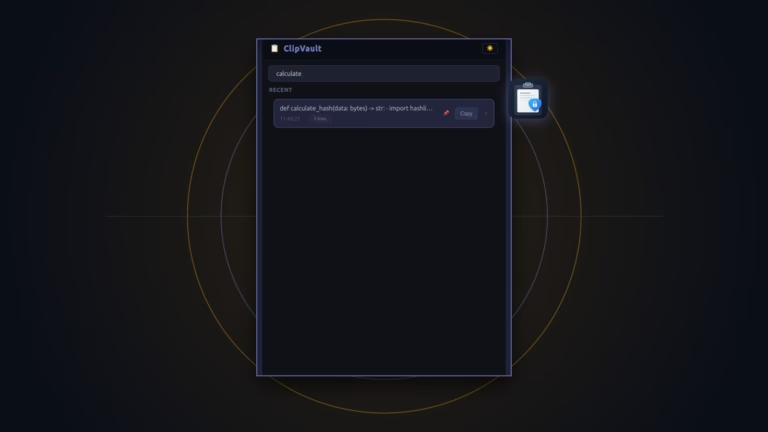

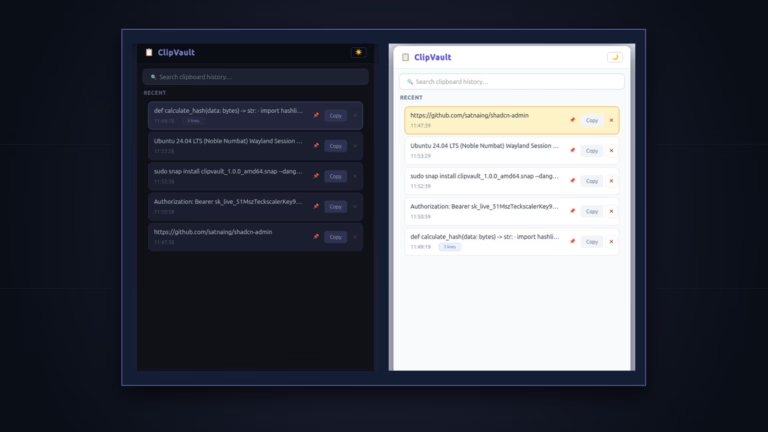

[…] Dock never blinks. Its list view renders fixed-height cards so search stays snappy. Read our full ClipVault vs. CopyQ Wayland review for step-by-step migration […]