
Table of Contents
Nothing has officially transitioned Essential Apps into its Beta phase, signaling a fundamental pivot toward software that adapts to the individual user. This architecture rejects the “one-size-fits-all” legacy of mobile OS design, instead allowing users to generate tools that align with their specific mental models.
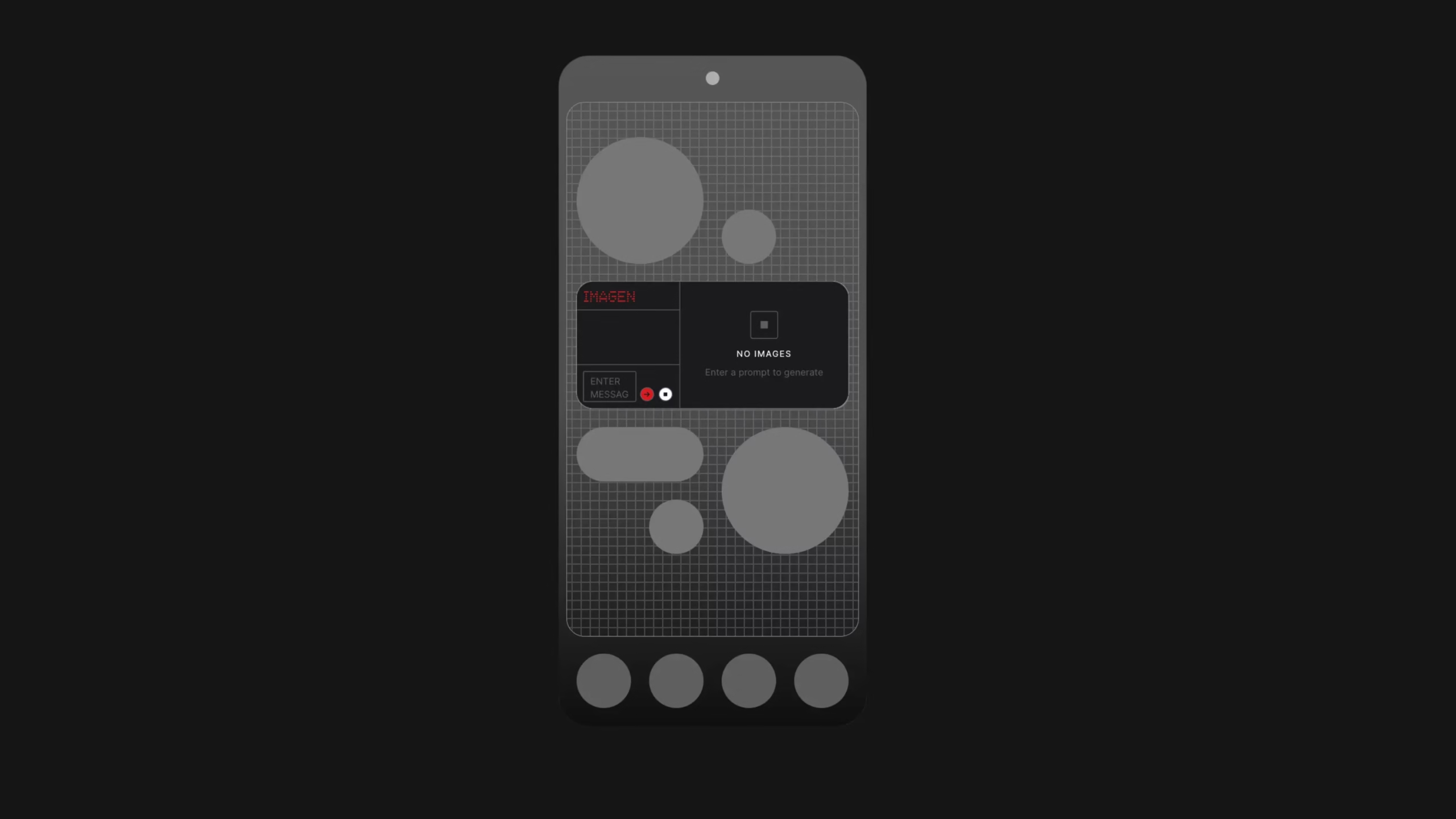
This launch centers on “vibe coding,” a paradigm where plain language replaces complex syntax to empower non-coders. By leveraging an AI-powered Apps Builder, users can now architect a personalized home screen that feels proprietary rather than generic.
Nothing Essential Apps Strategy
Nothing is strategically moving away from static software toward hyper-personalized, context-aware retrieval tools. This philosophy dictates that the system should mirror human thought patterns rather than forcing users to navigate rigid, predefined menus. By deploying this adaptive layer, Nothing aims to reduce digital friction and create a more purposeful interface.
The “vibe coding” mechanism utilizes an AI engine that maintains high system stability through incremental updates. Instead of resetting the app during modifications, the builder only updates specific requested components, ensuring the tool remains reliable as it evolves. If a generative iteration fails to meet expectations, the architect can restore a previous version with a single click.
This strategy anchors the broader “Essential Suite,” which focuses on context over raw data storage. The suite integrates Essential Space for idea capture, Essential Search for direct retrieval without opening apps, and Essential Memory for recalling helpful context-aware details. Together, these tools form a cohesive ecosystem where software serves as a quiet, adaptive intelligence.
Exploring the Nothing Playground and System Capabilities
The Nothing Playground functions as the unified strategic hub for community creativity and creative tool integration. It acts as a web-based sandbox where ideas migrate seamlessly from initial prompts to live deployment on hardware. This hub currently brings together Glyph Toys, Camera Presets, and EQ Profiles into a single creative destination.
From a technical UX perspective, Nothing is rolling out a refreshed design baseline focused on spacing, typography, and accessibility. These improvements ensure that AI-generated widgets maintain visual consistency with the native Nothing OS 4.0 aesthetic. While the current Beta allows users to browse and publish creations, full “remixing” of community apps directly inside the Playground is a roadmap item scheduled for the public release.
While the Playground is accessible to all via the web with a Google or Apple ID, the execution of these apps requires a specific hardware foundation. This ensures that the high performance required for real-time AI processing does not compromise the core user experience.
System Requirements and Availability Timeline
A staged, batch-based rollout is strategically necessary to maintain system reliability and performance standards during the transition from Alpha. This approach allows the engineering team to gather real-world usage data and stabilize system behavior before a full public release. By expanding access via a waitlist, Nothing ensures the infrastructure scales responsibly alongside the user base.
The Nothing Phone (3) serves as the exclusive launch platform because it possesses the high-tier performance required to run up to six Essential Apps simultaneously. Once the framework is validated, support will expand to other Nothing and CMF devices running Nothing OS 4.0 and above. To manage system resources effectively on lower-tier hardware, these future devices will be limited to running two Essential widgets.
This performance-tiered strategy underscores Nothing’s commitment to hardware-software synergy. It ensures that the “billion apps for a billion people” vision does not degrade the responsiveness of the underlying operating system.
Capabilities vs. Current Technical Limitations
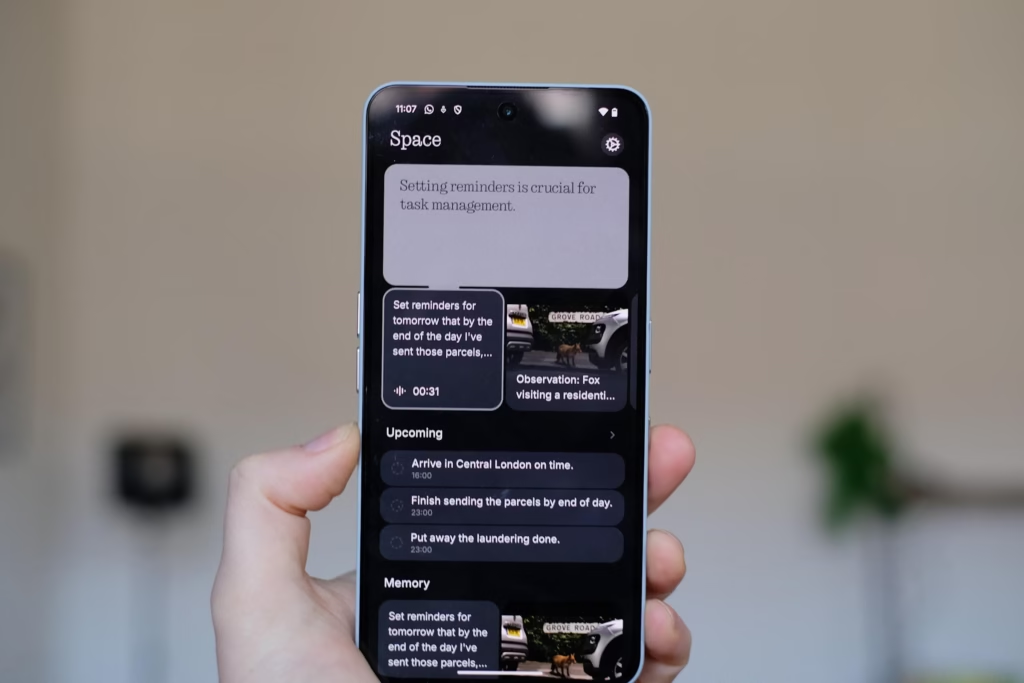
In its current Beta state, Essential Apps operate within a controlled permission set to prioritize stability and security. The AI currently supports Location, Contacts, and read-only Calendar permissions, enabling tools like meeting countdowns or location-based reminders. Developers can currently utilize 2×2 and 4×2 widget sizes, with 1×2 and 4×4 formats arriving in future updates.
The platform currently supports image uploads in JPEG, PNG, GIF, and WebP formats to enhance widget personalization. However, the Beta does not yet support custom icons, audio, or proprietary fonts, which are slated for later iterations. Furthermore, access to the microphone, camera, and Bluetooth remains restricted as these APIs are prepared for a stable release.
A significant OS update scheduled for late February will unlock activity recognition, sensor data, and a first-party Weather API. These additions will broaden the functional boundaries of what users can build before the public launch later this year. This roadmap ensures a steady expansion of the builder’s toolkit based on real-world feedback loops.
Conclusion
Essential Apps and the Playground represent the evolution of the Nothing ecosystem into a calmer, more adaptive layer of intelligence. By moving toward small, personal tools that update in place and respond to user context,
Nothing is transforming the home screen into a purposeful environment. This vision represents the future of personal technology, a system that is uniquely tailored, meaningful, and finally built around the individual.